Bottom sheet
The order ticket, positions, and tools rise from the bottom of the screen and drop away when you are done — the chart stays in view.
Every screen
The web workspace reorganizes for the screen it is on and needs nothing installed. A native app for iOS and Android is built and in validation: this page previews it honestly — not an App Store or Google Play availability claim, and no release date is announced yet.
Desktop · docked panels
Tablet landscape · docked, touch-sized
Phone · bottom sheet
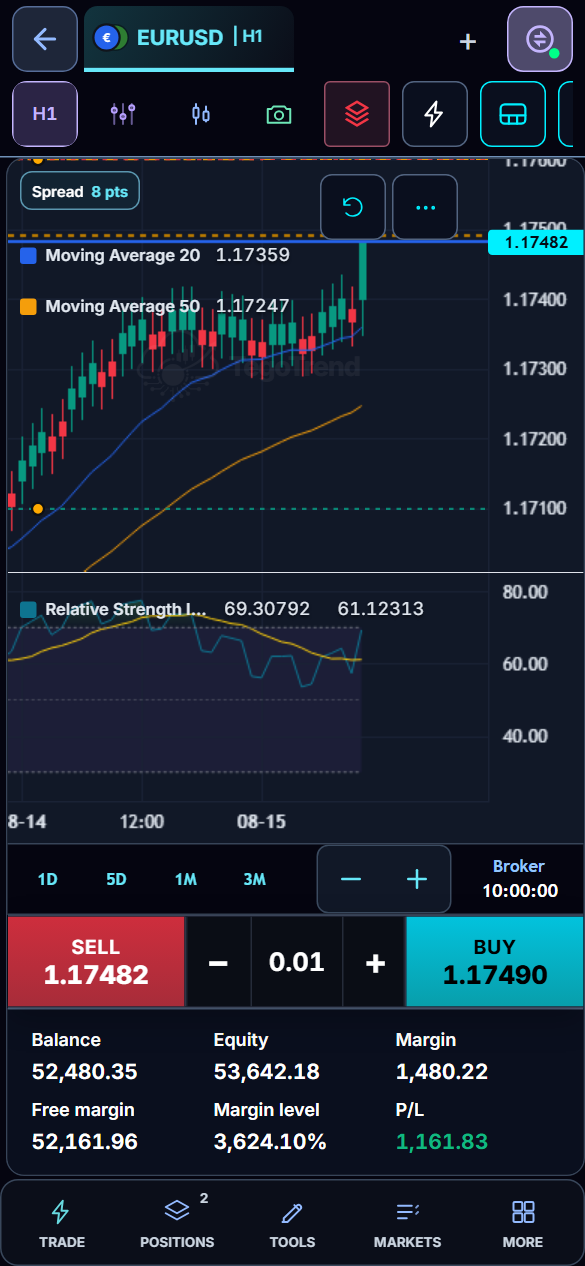
Phone web view
AvailableSame charts, same order ticket, same notifications — arranged for a phone. Nothing is removed; things are regrouped.
The order ticket, positions, and tools rise from the bottom of the screen and drop away when you are done — the chart stays in view.
A five-group rail replaces the desktop sidebar: Trade, Positions, Tools, Markets, More — the same panels, regrouped for a thumb.
Text and live voice with the assistant work the same way, with the same confirmation card before anything is sent.
Trading controls are available with the phone upright. Turn it sideways and the workspace pauses trading until you turn it back — nothing already admitted is cancelled or repeated.
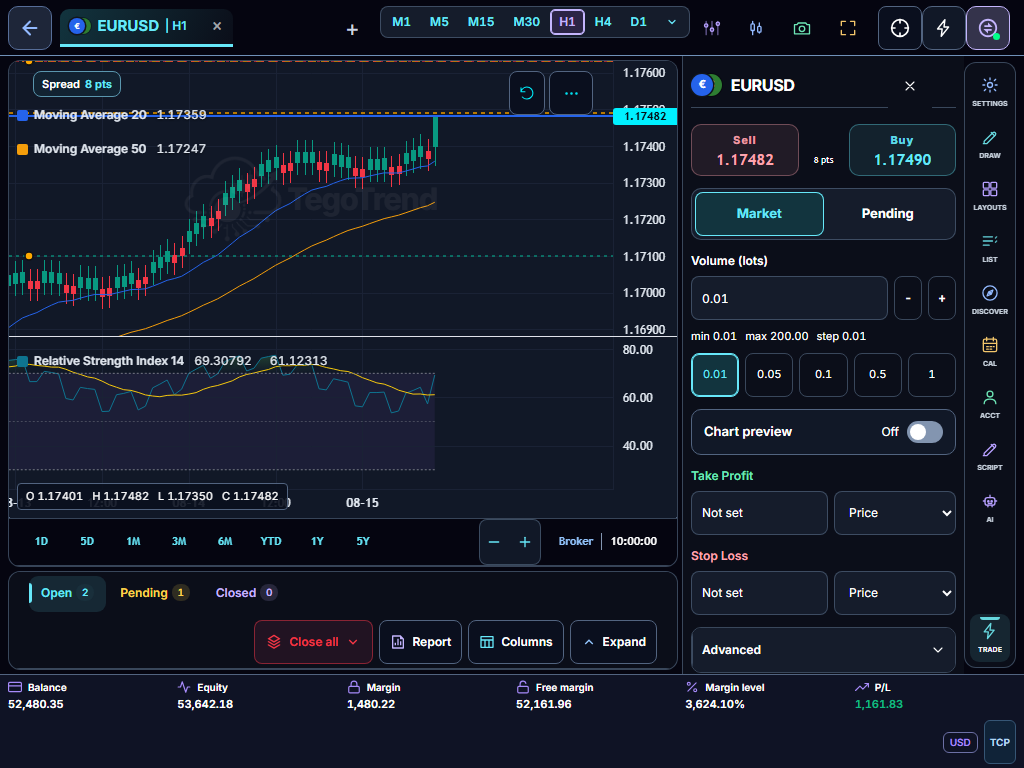
Tablet web view
AvailableThe 11 dockable panels are all there; in landscape an iPad-class tablet keeps them docked with touch-sized controls (narrower tablets overlay them), and upright it becomes the phone layout.
An iPad-class tablet in landscape (1024 px and wider) keeps the desktop’s docked panels with touch-sized controls; narrower tablets open the panels as drawers over the chart so it keeps its width.
Turn the tablet upright and the workspace switches to the phone composition — bottom sheet, compact rail, one-hand reach — then back when you rotate.
Spread and tolerance checks, One-Click consent, and every order confirmation are identical to desktop.
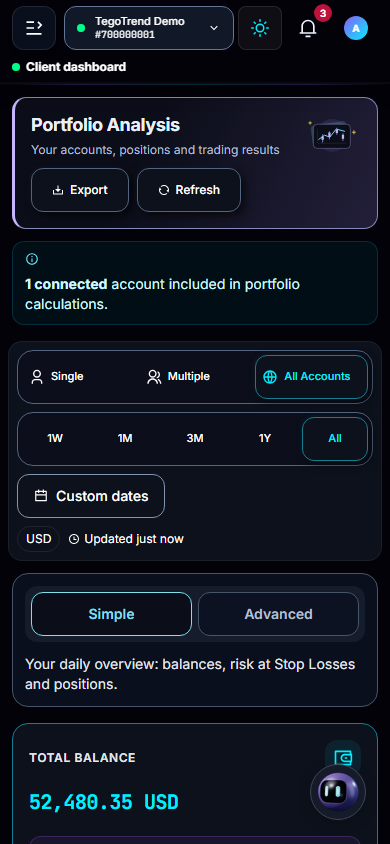
Native app · in validation
Coming soonThese capabilities exist in the app being validated today — framed honestly: built and in validation, with release still gated. Coming soon; no release date is announced.
The Trade tab opens the real workspace in a server-ticketed secured session with a strict navigation allowlist — the same workspace, not a cut-down copy.
Live voice conversations with the assistant, with the same user-control boundaries as the web product.
Push notifications are built in, so important account events do not depend on an open desktop browser.
Sign-in supports two-factor verification today. Native release remains gated on completing security, store-policy, legal, and trade-safety validation.
AI-generated market research — not investment advice. Always do your own analysis before trading.
Same workspace, one account
Research on the desktop, confirm on the phone, review on the tablet: layouts, notifications, the journal, and every guardrail are the same account state on every screen.
EURUSD buy 0.10 closed at 1.17500
Broker fill added to your review
EURUSD buy 0.10 closed at 1.17500
Broker fill added to your review
Risk warning: Trading and investing involve substantial risk. You can lose some or all of the money committed, and leveraged or margined products may create losses greater than the initial amount deposited. Do not trade or invest money you cannot afford to lose.