Execution tolerance per asset class
Slippage limits are sized for FX, metals, crypto, indices and energies. A quote whose spread blows past the cap is refused before it becomes an order.
Trading Workspace
Charts, 11 dockable panels, 5 presets, governed order tickets and account context in one responsive workspace — the same one on desktop, tablet and phone.
Presets
Choose one of 5 presets, then save your own layouts with chart, tools, panels and sizes.
Chart Focus
Maximum chart, compact activity.
Execution
Order ticket and full position activity.
Analysis
Drawing tools beside a focused chart.
Market Watch
Watchlist, chart and order ticket.
AI Research
Tego beside a focused chart.
Presets are starting points — save your own layouts with chart, tools, panels and sizes.
Product walkthrough
Select play to see a deterministic interface demonstration built from mocked market, account, and realtime fixtures.
Order ticket
The ticket draws your levels on the chart before anything is sent. Stops and targets take the unit you think in.
Order ticket
1-Click OFFSlippage limits are sized for FX, metals, crypto, indices and energies. A quote whose spread blows past the cap is refused before it becomes an order.
Every order, modification, partial close, close and cancel is reviewed before it is sent. One-Click Trading exists, but only after you read and accept exactly what it changes.
Enter stop loss and take profit as a price, in pips, in money, or as a percentage of balance — and drag them on the chart preview before anything is sent.
Close all, close profitable, close losing, close by side, delete pending — each one reviewed, each one broker-confirmed.
Panels
On a wide screen they dock beside the chart; when space runs out they overlay it. The chart never drops below a usable width.
| Plan | Symbol tabs | Live charts | Intraday candles per timeframe |
|---|---|---|---|
| Free Trial | 1 | 1 | 5,000 |
| Starter | 3 | 3 | 10,000 |
| Pro | 5 | 5 | 20,000 |
| Gold | 8 | 8 | 40,000 |
Limits are set per level and are the same on Trader and AI Trader plans. Daily, weekly and monthly history is not capped. Broker history may be shorter than the allowance.
AI context
Chart + account
Risk check
Within limits
Exposure
Portfolio aware
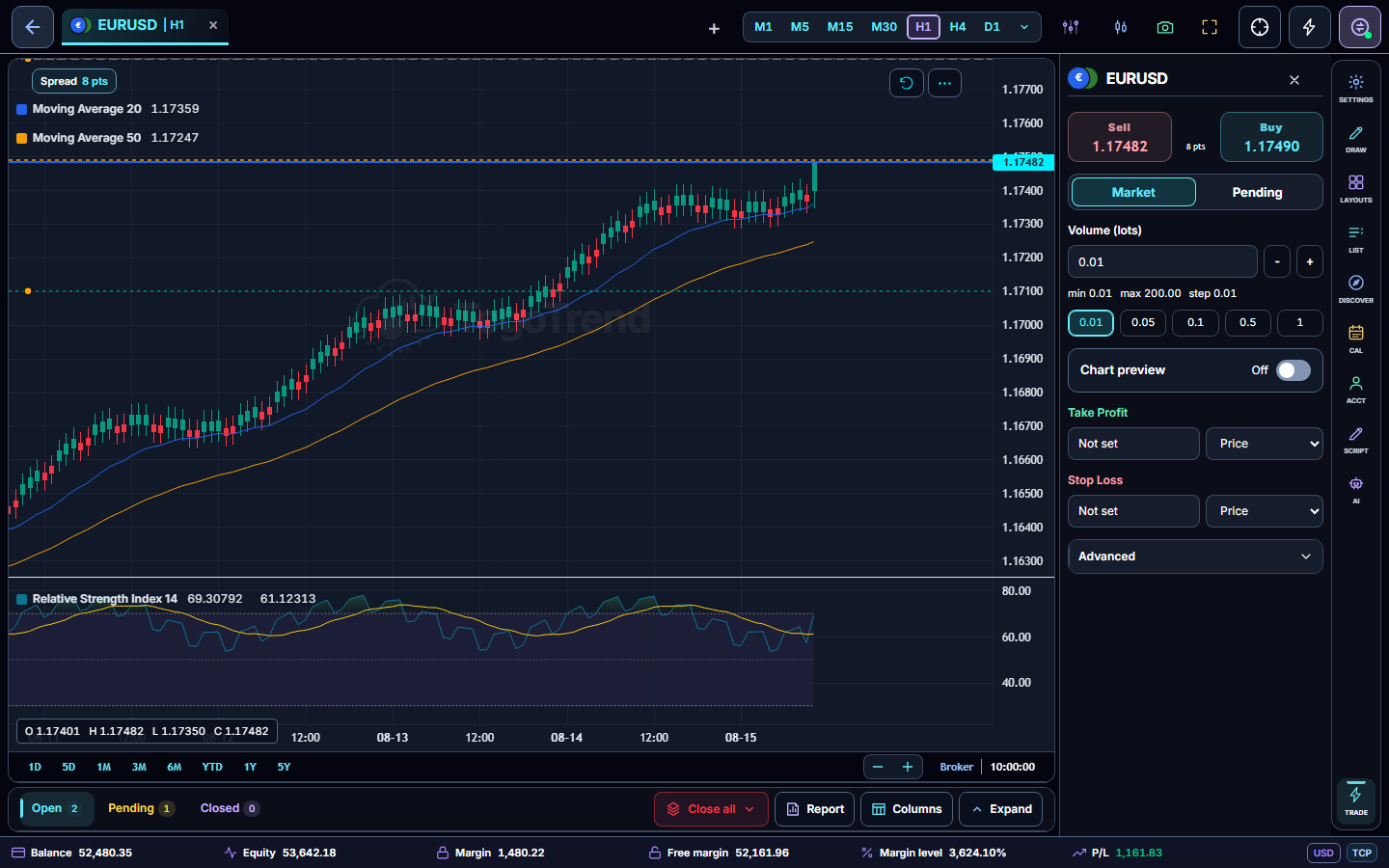
Charts and account context come from your connected broker session, so the workspace follows the symbols and prices available to that account.
148 built-in indicators, 21 drawing tools, and 9 supported timeframes live beside persistent layouts and watchlists — with Bid and Ask lines you can switch on and position lines whose stop and target you can show or hide.
Market and pending-order panels surface volume, stop loss, take profit, price, and confirmation settings before a broker instruction can be sent.
Open-position overlays, account health, and realtime order events keep chart decisions connected to portfolio context — and the account footer shows whether the WEB or TCP bridge transport is serving the session.
Every screen
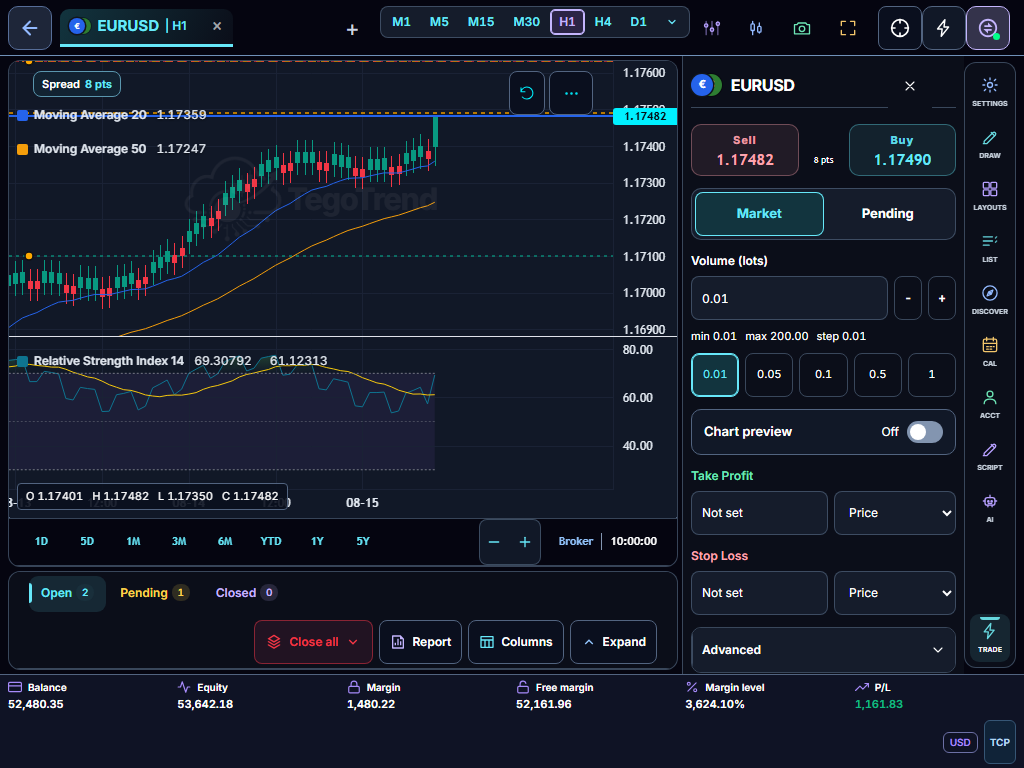
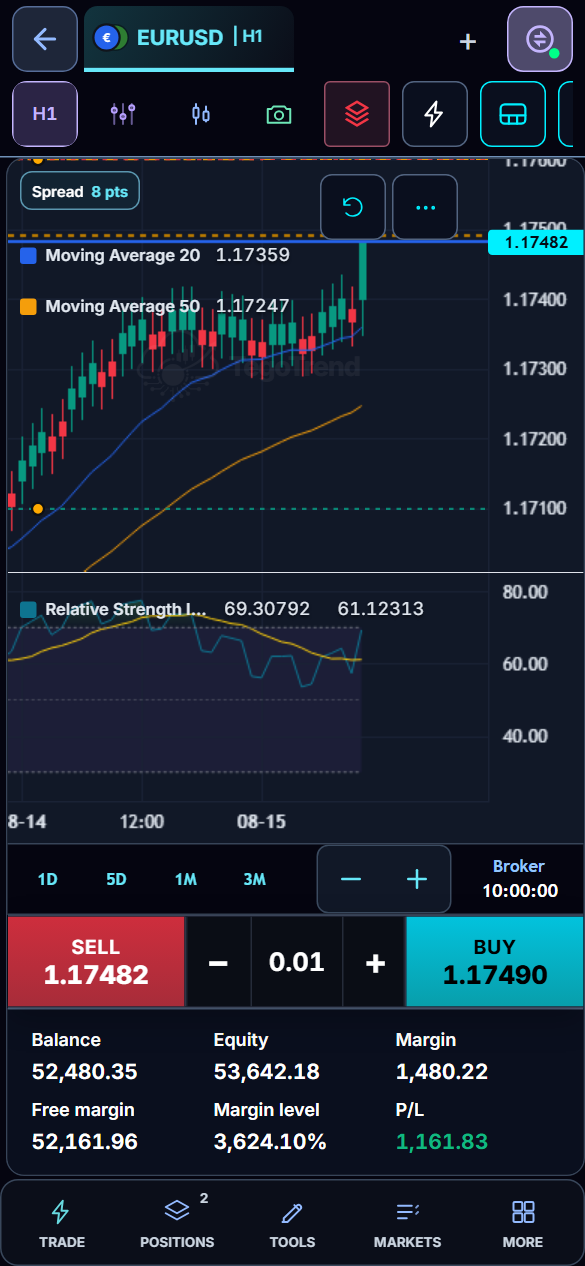
Panels dock on a wide screen and on an iPad-class tablet in landscape (sized for touch), overlay the chart on narrower tablets, and become a bottom sheet with a compact rail on a phone — or a tablet held upright. Same account, same layouts.
AI-generated market research — not investment advice. Always do your own analysis before trading.
Risk warning: Trading and investing involve substantial risk. You can lose some or all of the money committed, and leveraged or margined products may create losses greater than the initial amount deposited. Do not trade or invest money you cannot afford to lose.